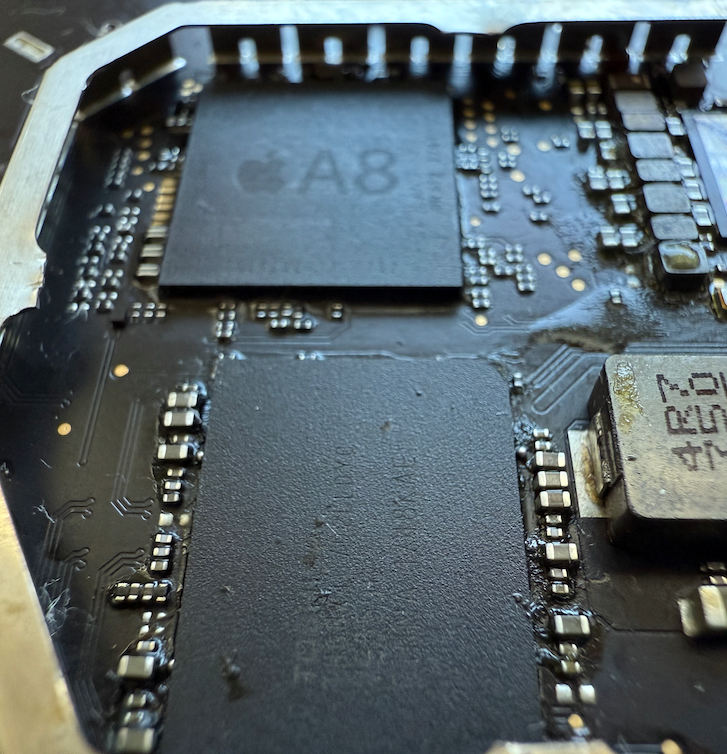
How to fix the Blinking (flashing) volume buttons on the 1st Gen HomePod
How can you repair an original Apple HomePod with blinking (or flashing) volume buttons? While blinking volume buttons symptom on

How can you repair an original Apple HomePod with blinking (or flashing) volume buttons? While blinking volume buttons symptom on
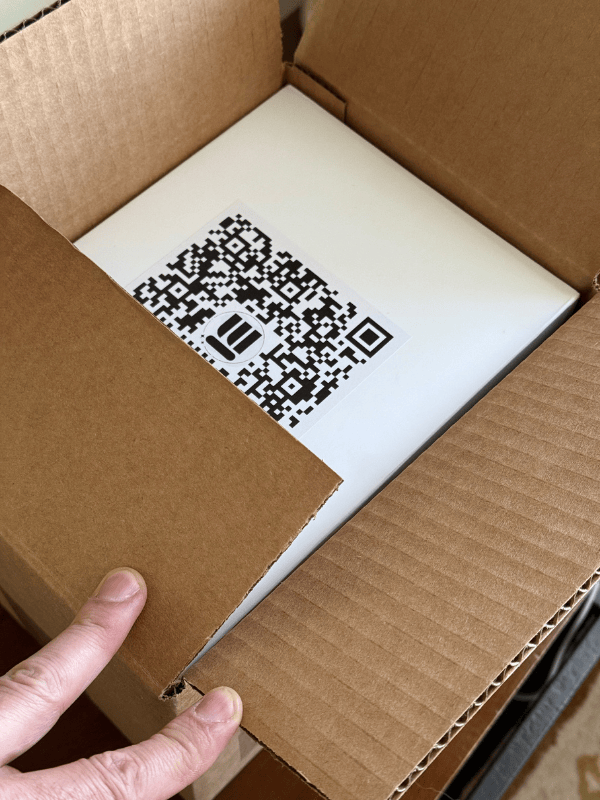
When Minn-Tech sends you a HomePod shipping box with your free prepaid return shipping label inside, follow these instructions to ensure a safe shipment of your HomePod to Minn-Tech for repair. After a day or two for repairs, Minn-Tech will ship your repaired HomePod back to you for free.
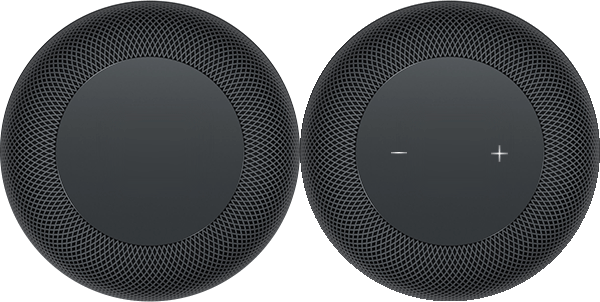
If you own an original, 1st Gen Apple HomePod and have encountered the frustrating issue of blinking or flashing volume buttons (+ and -) after a boot or a failed startup, you’re not alone. This common problem often leaves users with a device that fails to fully boot. Even after a successful reset, the OG HomePod will first show the spinning top wheel (the status light), and eventually default to the blinking, or flashing volume buttons.
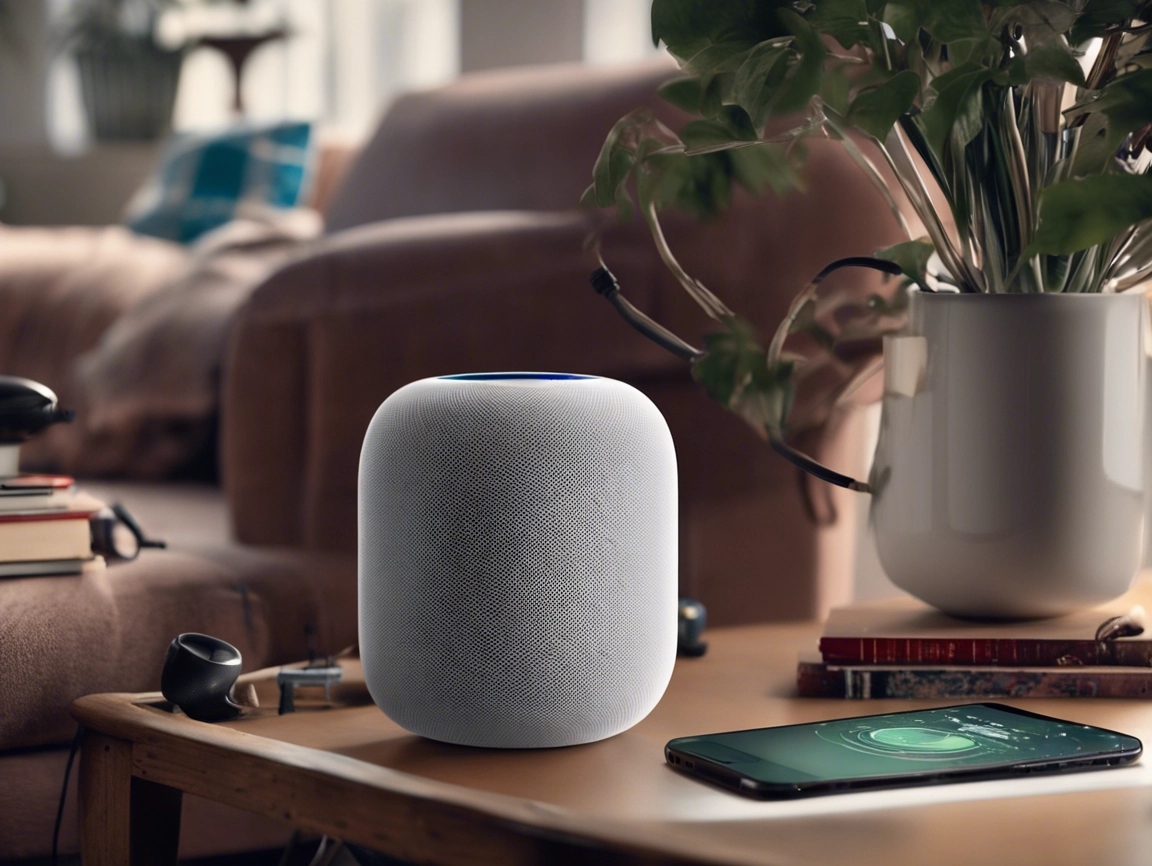
No-Power and Death-Fart issues have typical root causes on malfunctioning components on the amplified board. Former is often due to a SB diode short-out, the latter due to failing capacitors…